
Rigid gift box mockup
Make a 3D rigid gift box mockup with a lift-off lid. Place artwork on the lid and base, and check the inside tray before sharing your gift packaging concept.
Share this template
Send this 3D template to a teammate or client.
Give the lid and tray different jobs
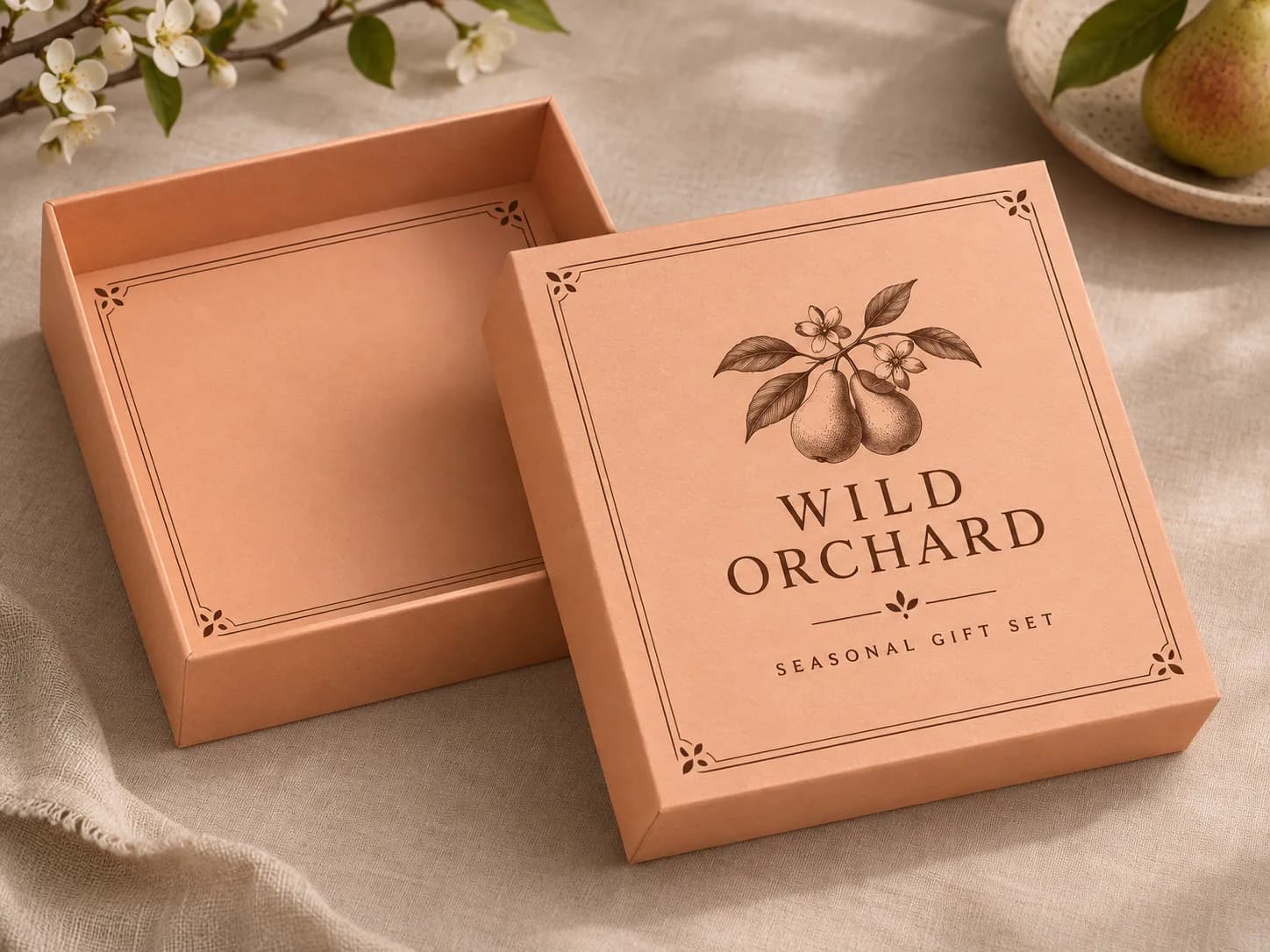
Wild Orchard centers a pear-sprig mark on the lid and repeats its border inside the tray. The brand stays visible after the lid is lifted away.
Set up the lift-off box
- Center the main mark on the lid, then check it from above and from a front corner. Leave margin for the wrapper near the edges.
- Use a repeat pattern or short message on the tray lining. Keep artwork for the separate base clear of the area the lid covers.
- Review the assembled and separated views before export. For a physical sample, confirm the wrap overlap and insert depth with the manufacturer.
Common questions
- What is a lift-off lid box?
- It has a separate lid that lifts away from a base. This editor template has separate lid and base artwork regions.
- Can I give the lining a different design?
- Yes. Choose Inside in the example and apply original artwork to the printable interior areas.
Start your packaging design
Create a project from the template to apply your artwork and inspect it in 3D.