Try makeup on your photo
Preview foundation finish, brow and eye definition, and lip color on the same portrait. Start with a look for daytime, work, or an evening out.
Try on makeupView examples free. Generating a preview uses 10 credits.
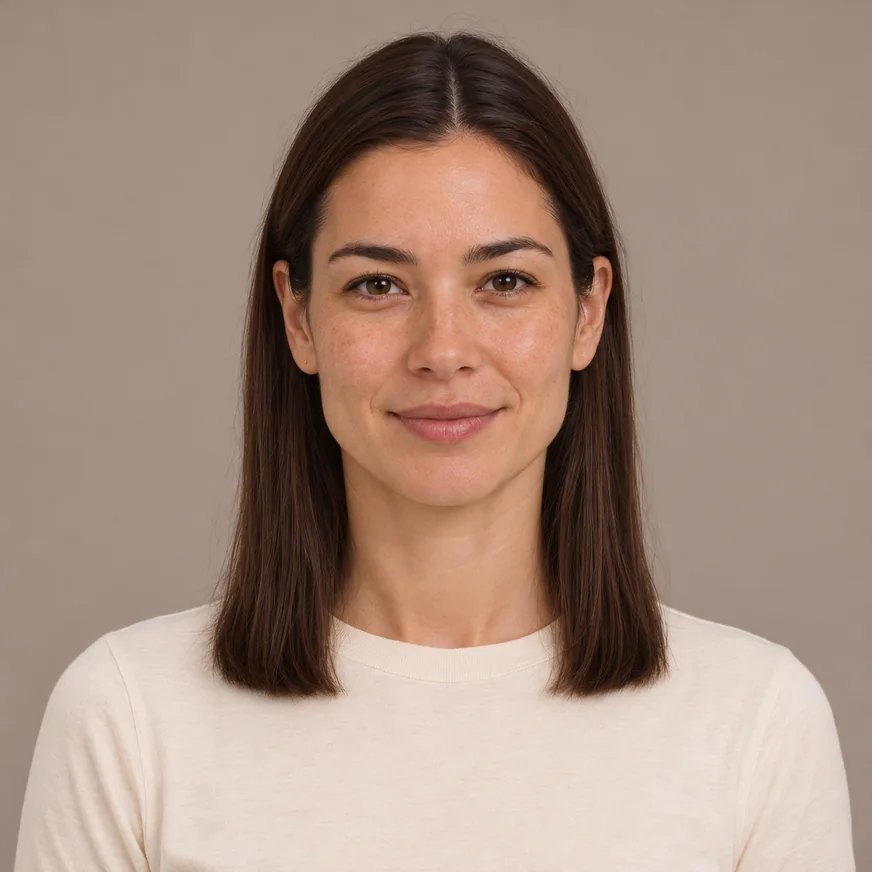 Original
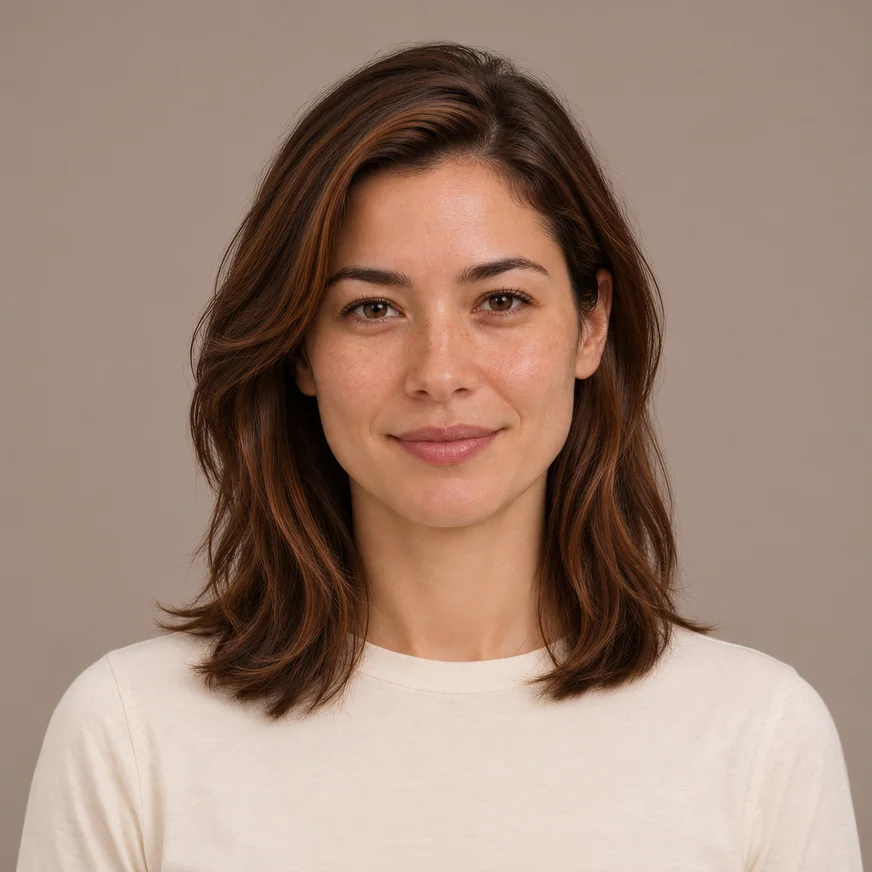 Sheer base and muted rose lips
How to try it
- Add a clear portrait taken in even light.
- Pick a makeup look and adjust the base, brows and eyes, or lip color.
- Generate the preview, compare it with your original, and open the makeup steps.
Common questions
- Can I preview just a different lip color?
- Yes. Keep your current base and eye makeup, then choose the lip color you want to try. You can also describe a small change to a generated look.
- Can I see how to apply the look?
- Open View makeup steps for the order of application and notes for the selected finish, brows and eyes, and lip color.