
3D Coffee Bag Mockup Generator
Make a 3D coffee bag mockup with your own logo. Upload artwork to a side-gusset coffee pouch, then rotate it to check the front, back and folds.
Try your own artwork in 3D as a guest.
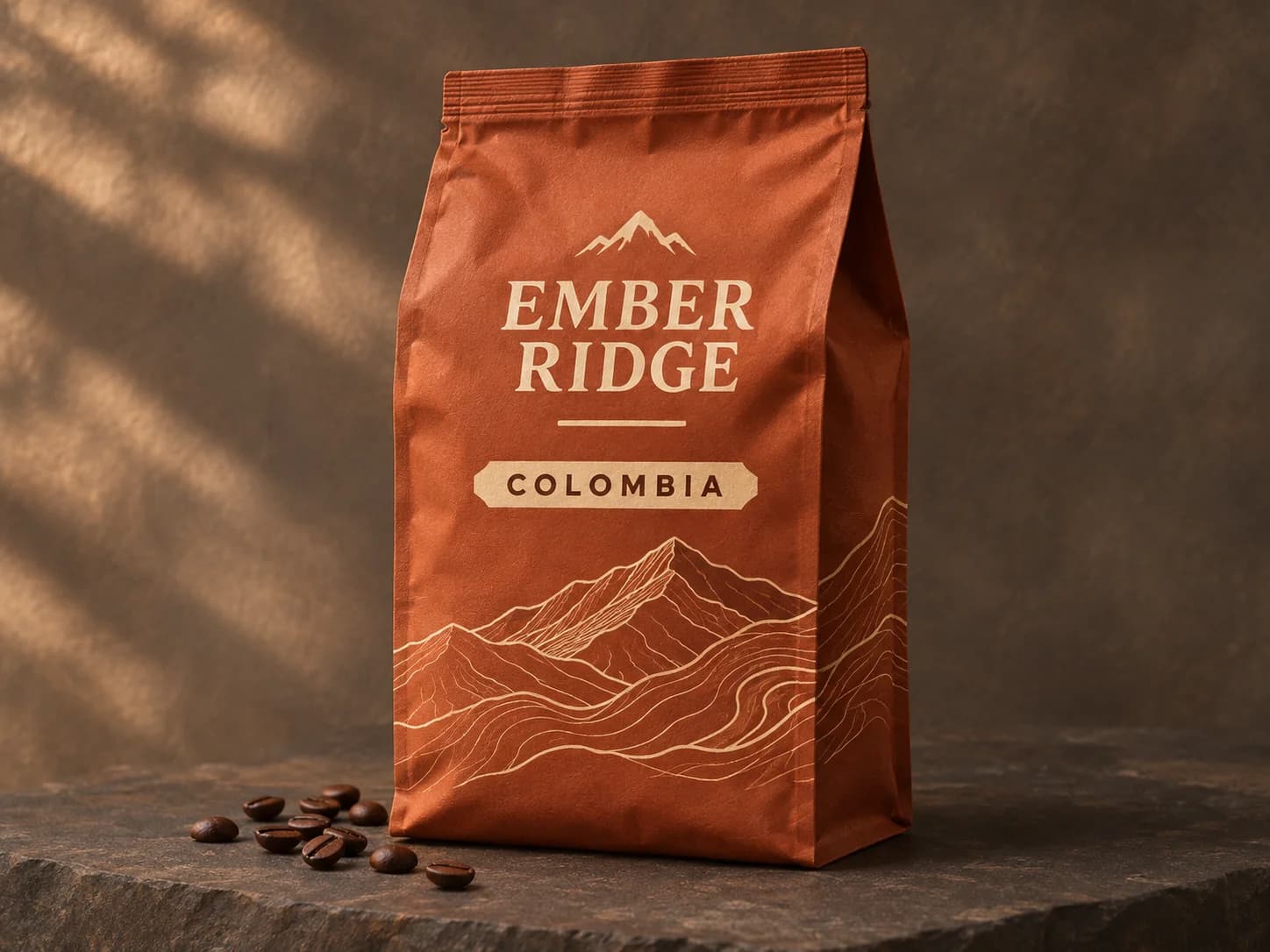
Rotate the Ember Ridge coffee bag
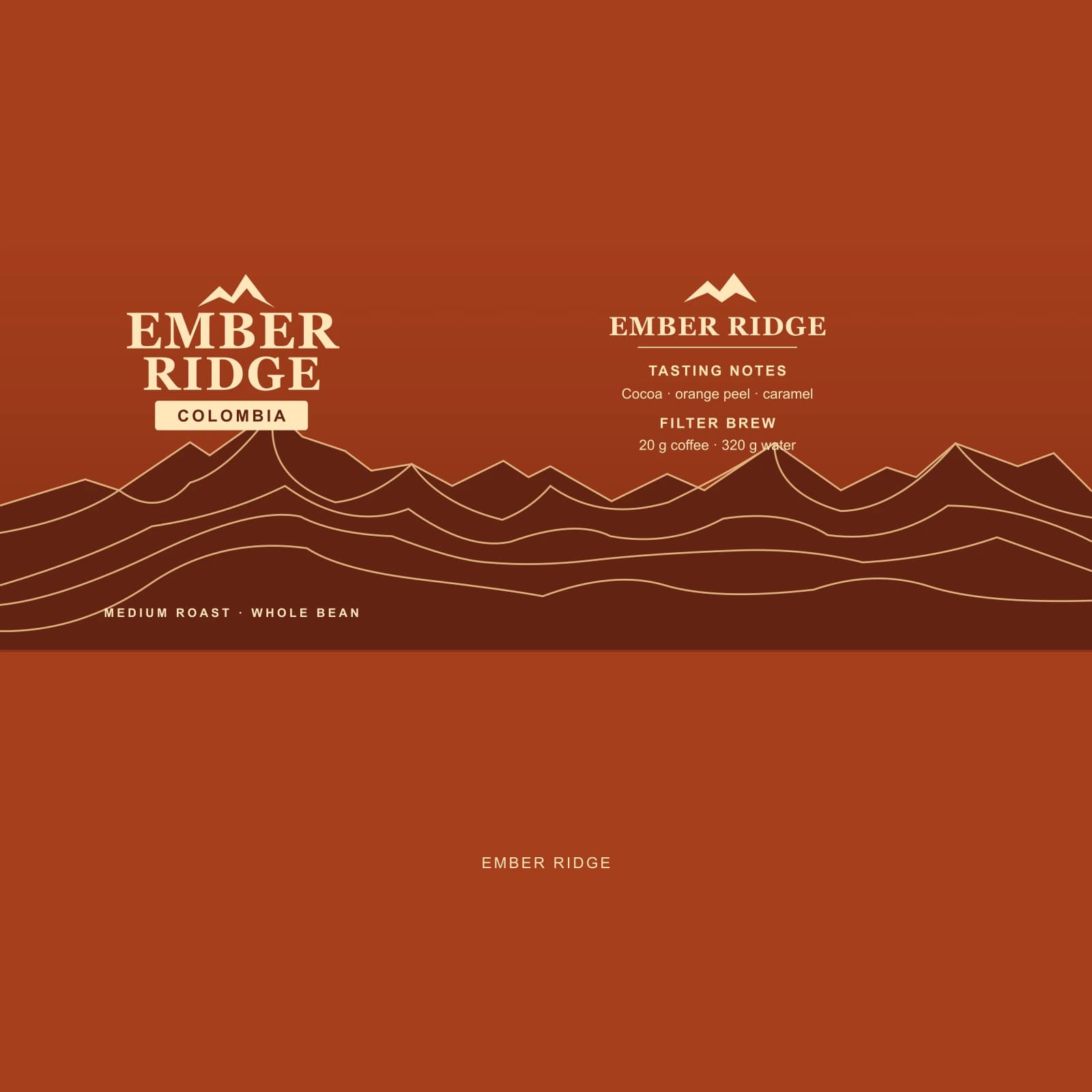
Load the preview and drag the bag to check the front wordmark, tasting notes on the back and mountain lines across the side folds. To use your own design across panels, apply an artwork sheet to the exterior in the editor.
Share this template
Send this 3D template to a teammate or client.
Continue the mountain lines onto the gusset
Ember Ridge keeps the name and origin on the front. The mountain artwork flows around the corner onto the side, where it stays visible when the filled bag turns.
How to make a coffee bag mockup with your logo
- Open the pouch and use Upload to place a PNG, JPEG or WebP on the front panel. Keep the roaster name, origin and roast level clear at thumbnail size.
- Select the back panel for tasting notes or brewing instructions. If a single design crosses a gusset, apply it as a canvas background on the full exterior sheet.
- Rotate the bag to inspect the seams and bottom gusset. When you are ready to keep the design, choose Save project, then Save to workspace and sign in on the editor page.
Common questions
- Can I design both sides of the coffee bag?
- Yes. The template has front and back panels on the same exterior artwork sheet, along with side and bottom gussets.
- Can I use this template for other products?
- The gusseted pouch works for similar packaging concepts such as tea or snacks. Match the template to the shape of the actual package.
- Can I test my coffee bag artwork before signing in?
- Yes. Apply your artwork and inspect the 3D pouch as a guest. You can sign in from Save project to keep it in your workspace.
Start your packaging design
Upload your design and rotate the 3D preview. Sign in from Save project when you’re ready to keep it.