
3D Stand-Up Pouch Mockup with Your Logo
Upload your logo to a 3D stand-up food pouch mockup. Add separate front and back artwork and rotate the pouch to check the seals and bottom gusset.
Try your own artwork in 3D as a guest.
Share this template
Send this 3D template to a teammate or client.
Design for the pouch on a shelf
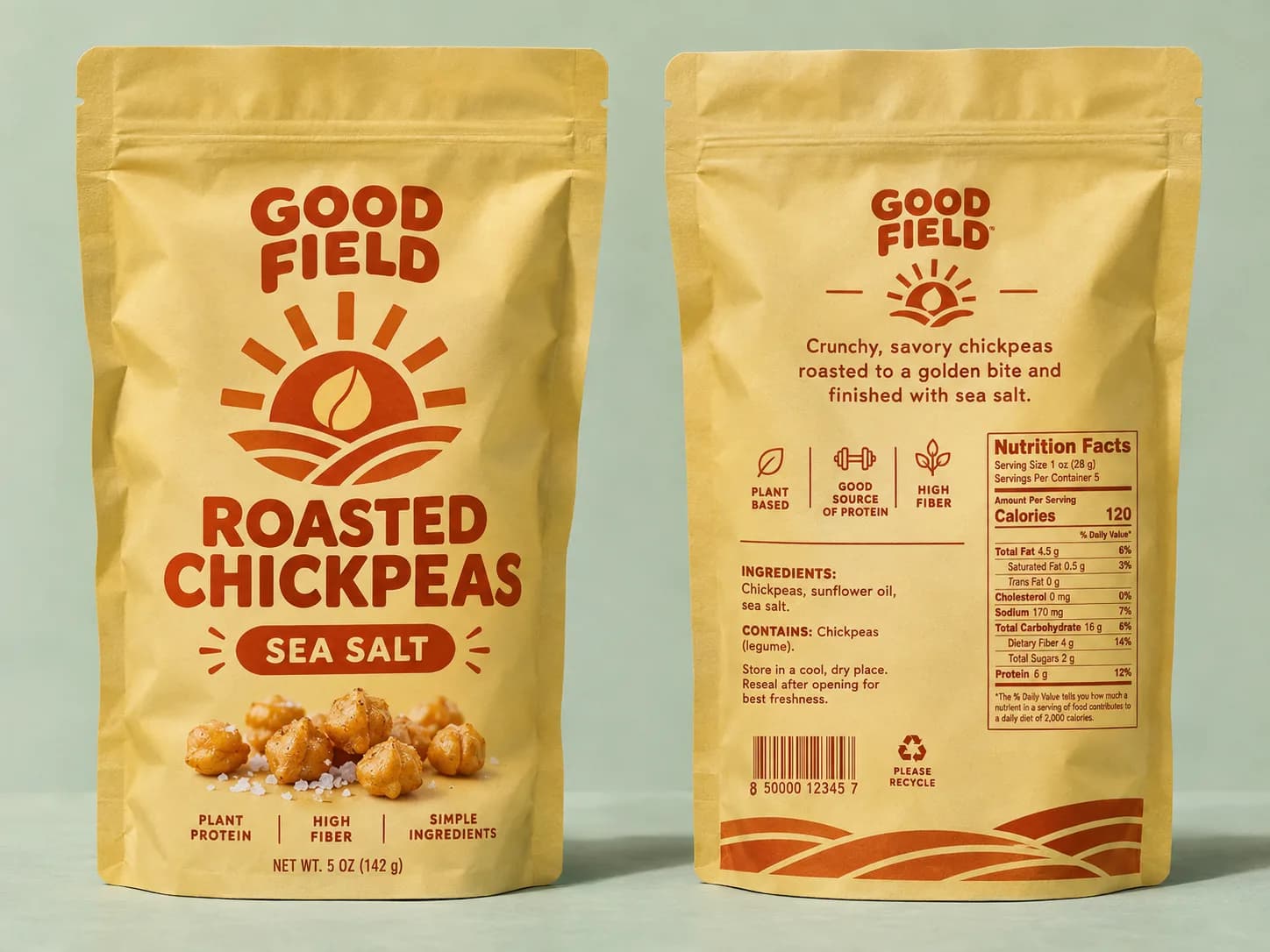
Good Field keeps its product name and sea salt flavor high on the front. The back has its own reading order with enough room for ingredient and serving information.
How to make a stand-up pouch mockup with your logo
- Upload a PNG, JPEG or WebP onto the selected front panel. Keep the brand and flavor away from the zipper and side seal.
- Use the rear artwork area for longer copy. Leave any nutrition, barcode and labeling requirements for the supplier’s measured layout.
- Rotate the pouch and check the bottom where the film expands. Carry large shapes toward the edges, and move fine text inward.
Common questions
- Can I edit the two sides of a stand-up pouch?
- Yes. The example uses distinct front and back artwork panels. Add graphics to either face and check them in the 3D preview.
- What is a bottom gusset?
- It is the folded section that expands at the base when the pouch is filled. Keep essential text on the flatter main panels.
- Can I preview the pouch before I create an account?
- Yes. Try artwork on both faces as a guest. Use Save project when you’re ready to sign in and save it to your workspace.
Start your packaging design
Upload your design and rotate the 3D preview. Sign in from Save project when you’re ready to keep it.