Launch announcement
Start with the product name as the headline and give the strongest selling point one short line below it. Use a simple background to keep attention on the product.
 aiyly
Use the AI product poster generator to turn a product photo into a launch poster, store banner or social ad. Choose the format and specify the message.
Create a product poster Studio starts with one 2:3 poster. Each delivered poster uses 20 credits.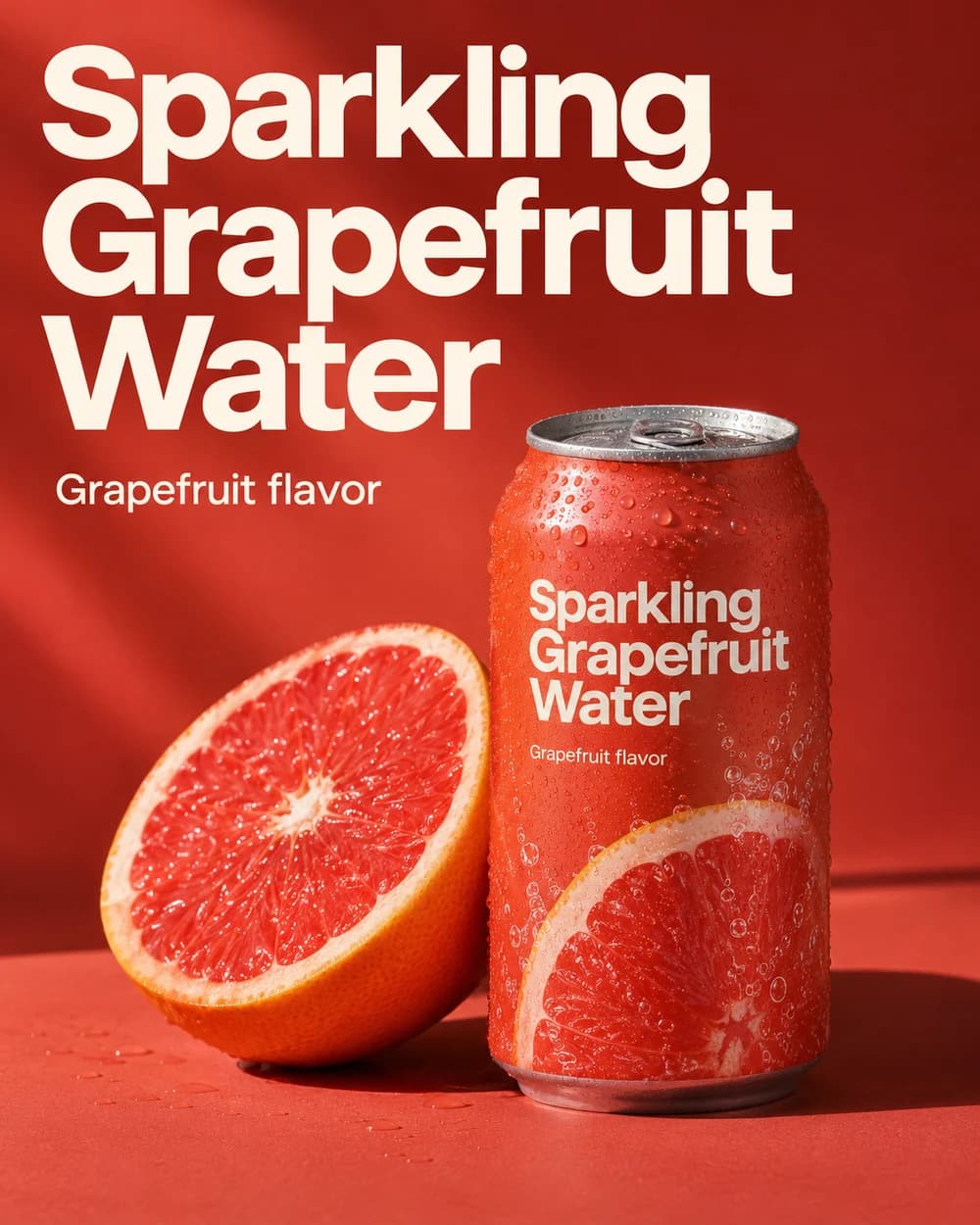
Add a front or three-quarter view. Include the exact product name and a confirmed selling point, such as grapefruit flavor or a 330 mL can.
Start with 2:3 for a portrait poster. Choose 9:16 for Stories or 16:9 for a wide store banner. Select a template in Studio to borrow its composition, then add your own product details.
Read the headline on a phone, compare the product to your reference, and confirm the offer and label text before downloading the image.
Create a 2:3 launch poster for sparkling grapefruit water. The confirmed selling point is grapefruit flavor. Use coral studio lighting, a clear headline reading Sparkling Grapefruit Water, and a separate line reading Grapefruit flavor. I can attach my own product photo as a reference.
Start with the product name as the headline and give the strongest selling point one short line below it. Use a simple background to keep attention on the product.
Choose one visible feature to demonstrate. For a spout pouch, a close view of the cap makes the resealable design easier to understand.
Supply the exact offer and any dates you want shown. Review the rendered text before using the poster as an ad.