Canva Dream Lab
Canva's Dream Lab generates visuals from text. Magic Design helps arrange content in Canva layouts.
Canva Dream Lab documentation aiyly
Compare Canva and Aiyly Studio for AI product images, packshots, posters and packaging concepts. See where to generate a visual and where to place exact layout text.
Try a product-first brief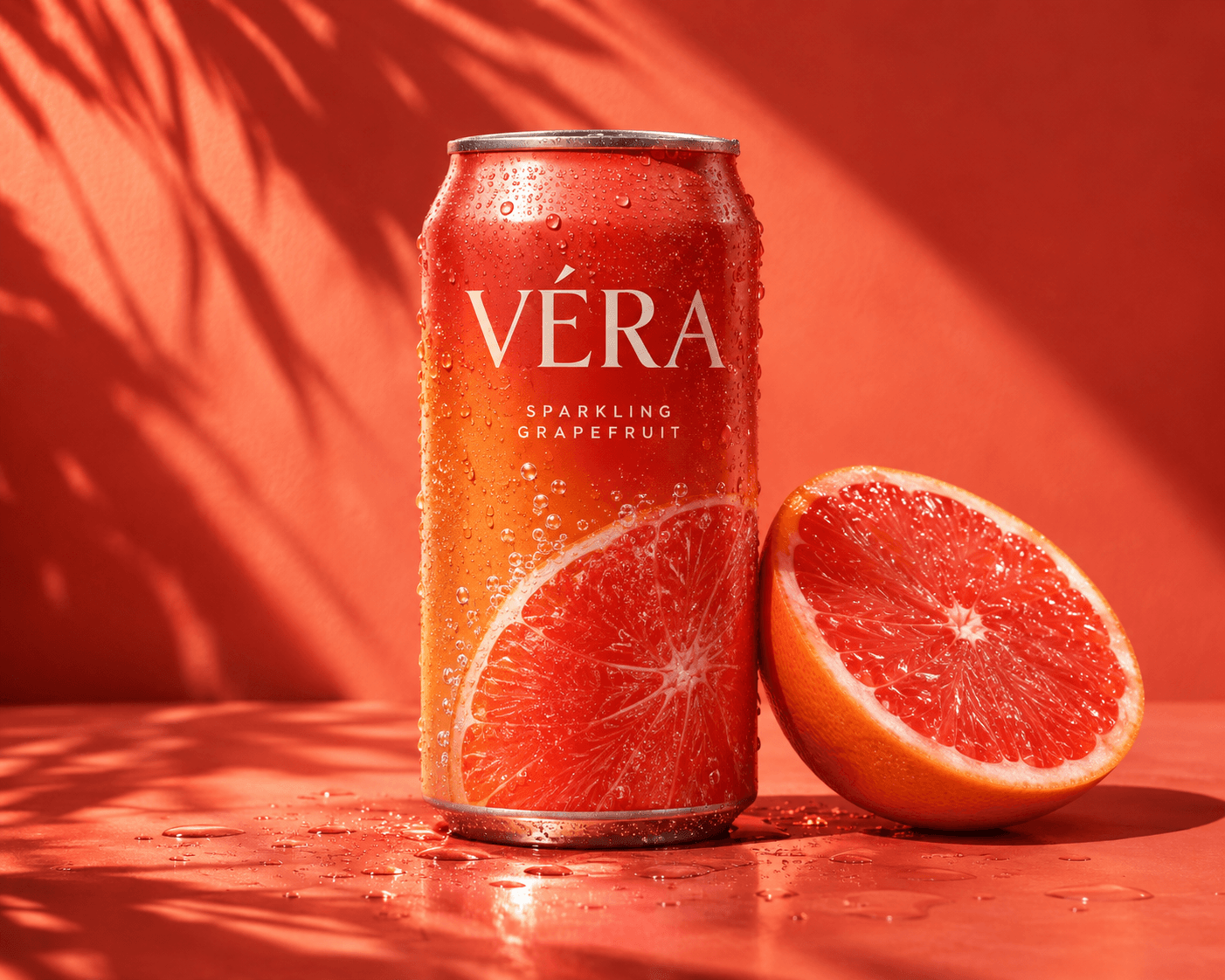
Start with a Canva template when your priority is to position logos, text and multiple images precisely and reuse that layout later.
Start with a product photo, a planned use, and the details you want to keep. Iterate in the conversation and download the chosen image.
When your campaign needs exact typography, a translation, or legally approved offer copy, use the generated visual as an asset and add that text in your layout.
Use my product reference to create an editorial image for a launch graphic. Keep the product on the right, leave open space on the left for headline text, and suggest two lighting directions. I can upload the product photo next.
Canva's Dream Lab generates visuals from text. Magic Design helps arrange content in Canva layouts.
Canva Dream Lab documentationThe conversation is organized around a product reference and an image brief. Exports are image files, which you can place into the design editor of your choice.